

Install or Update the App
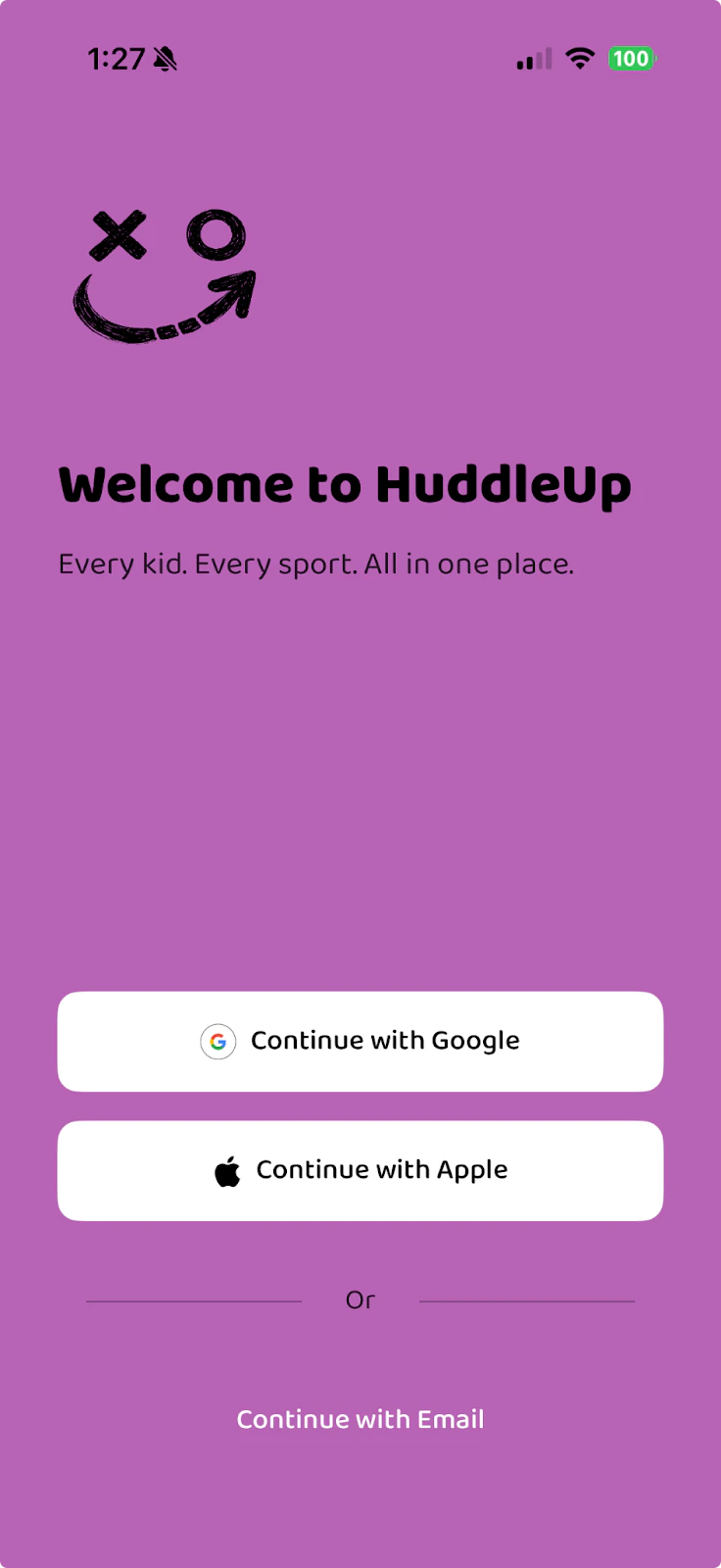
Sign In
Open HuddleUp and sign in with the same account you used before:- Continue with Google
- Continue with Apple
- Continue with Email
Use the same sign-in method as before (Google, Apple, or Email). If you sign in with a different method, it will create a new account.
Add New Players (If Needed)
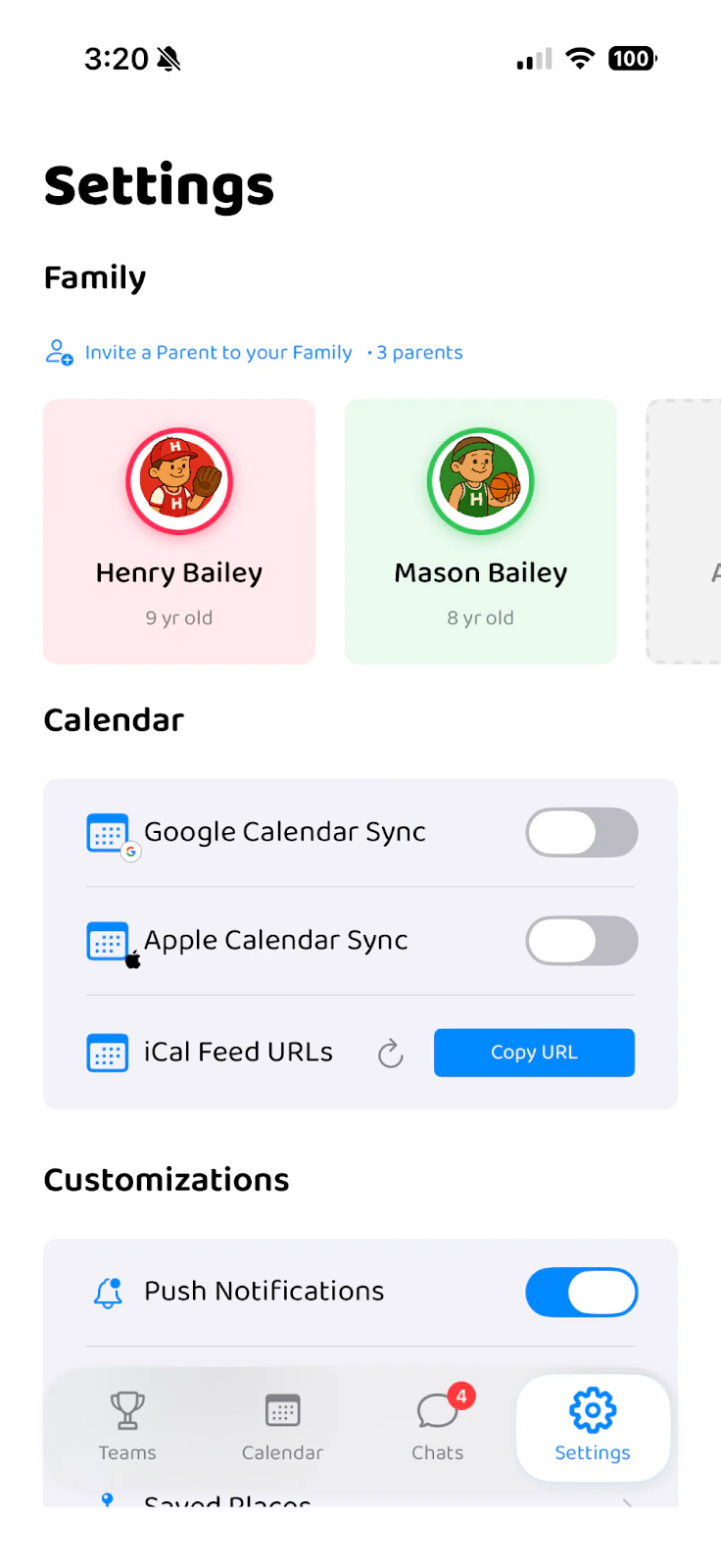
- Go to the Settings tab
- Tap “Add Player” under the Family section
- Enter their name, select a color, and save
Assign Players to the New Season
- Navigate to the Teams tab
- Tap the + button in the top right corner
- Select “Assign Players”
Select League and Team
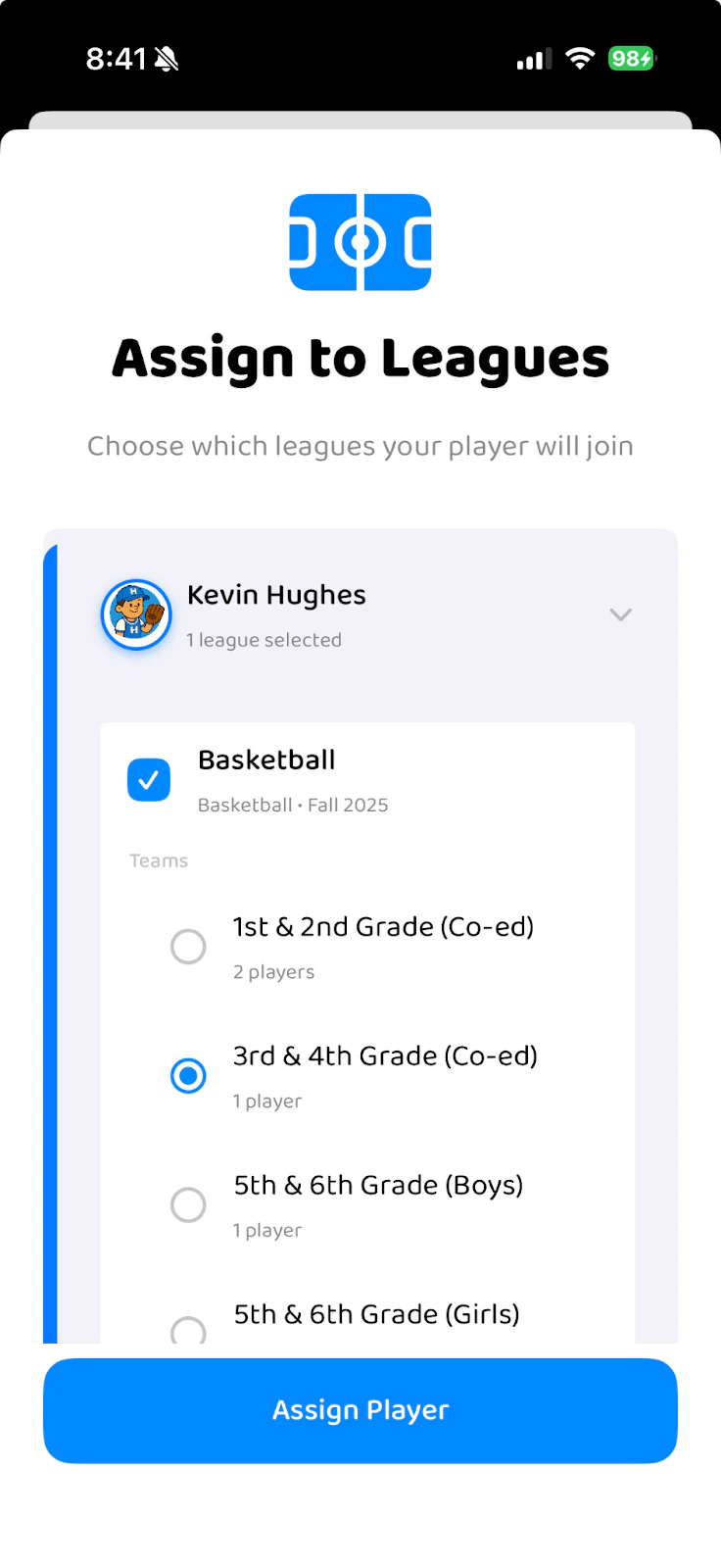
- Select your player
- Check the box next to their league (e.g., Basketball)
- Select their specific team for the new season
- Tap “Assign Player”
- The new league and team will appear in your Teams tab
- Your player’s events will populate the Calendar
- You’ll be added to the Chat channel for that team